Color Analysis › Color Tools
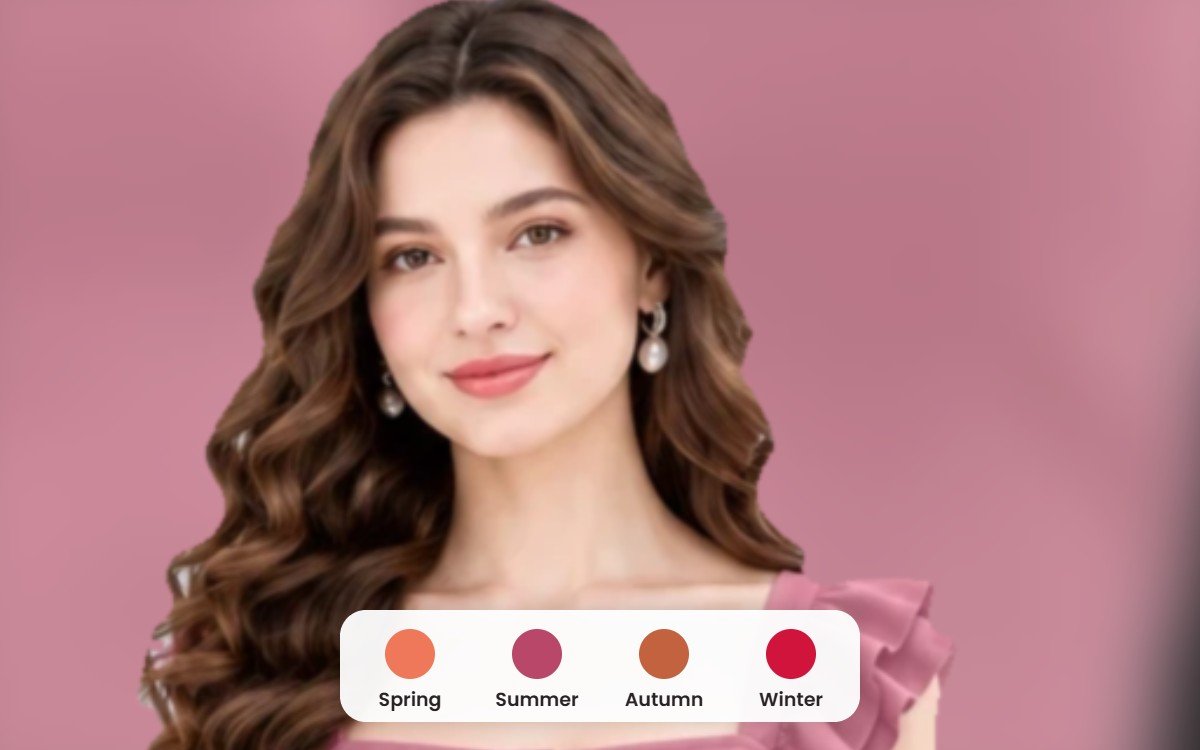
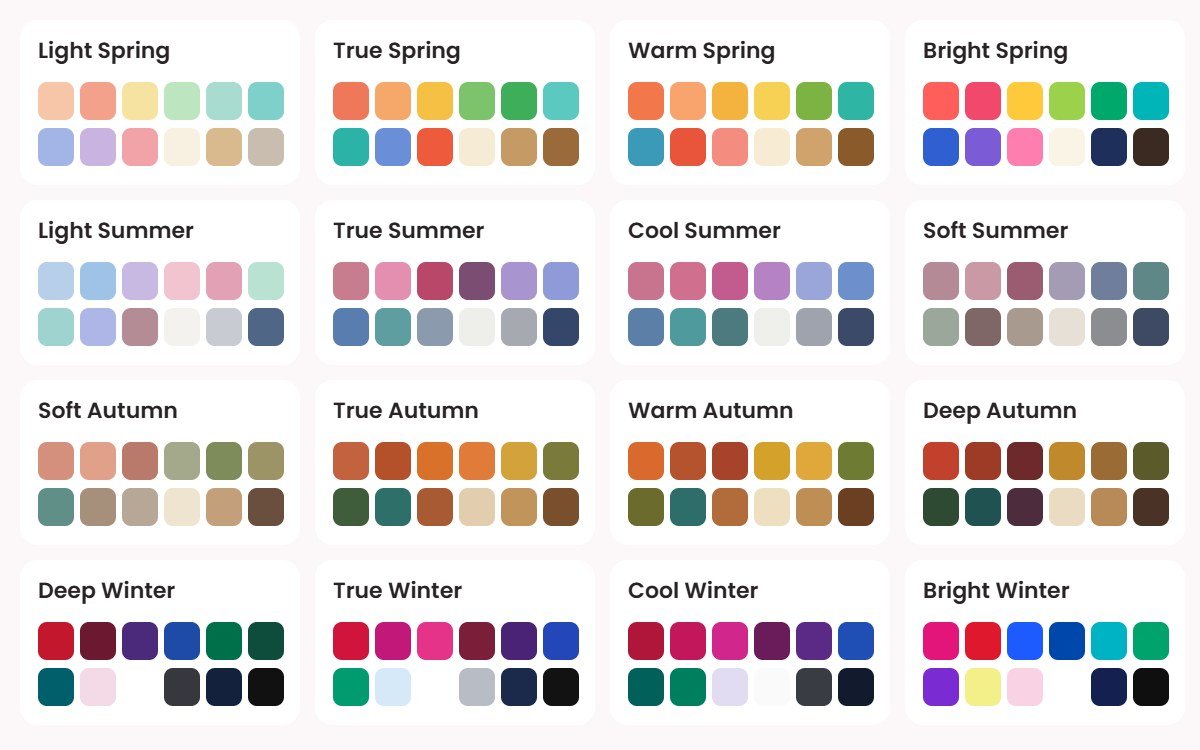
Upload a photo or take a selfie and get its main colors with HEX codes, RGB values and a common color name. Drag a box to read only the outfit, then see which of the 16 color seasons those colors suit.
Drop a photo here
Outfit pictures, Pinterest looks, selfies or any photograph
or paste an image (Ctrl + V)
Your photo never leaves your device. Everything runs in your browser.
Outfit only finds the clothes for you. Drag a box to read one piece, or tap anywhere to pick an exact color.
Outfit colors
Face a window for natural light. No filters.
How it works
How to Get a Color Palette from an Image
Three steps, a few seconds, and nothing is uploaded to a server.
-
1Add a photo
Upload an image, paste one, or take a selfie with your camera. JPG, PNG and WebP all work.
-
2Get the palette
The tool groups similar pixels and returns up to 8 main colors, each with its HEX code, RGB value, share of the photo and a color name.
-
3Focus on the outfit
Drag a box around the clothes so the background and skin are left out, or tap any spot to read one exact color.
Style tips
How to Build an Outfit Palette from a Photo
-
1Use daylight photos
Indoor bulbs turn colors warmer and yellower than they really are.
-
2Crop to the outfit
A tight box around the clothes gives cleaner, truer colors than the whole picture.
-
3Build a 3-color outfit
Pick one main color, one neutral and one accent from your palette.
-
4Check your season
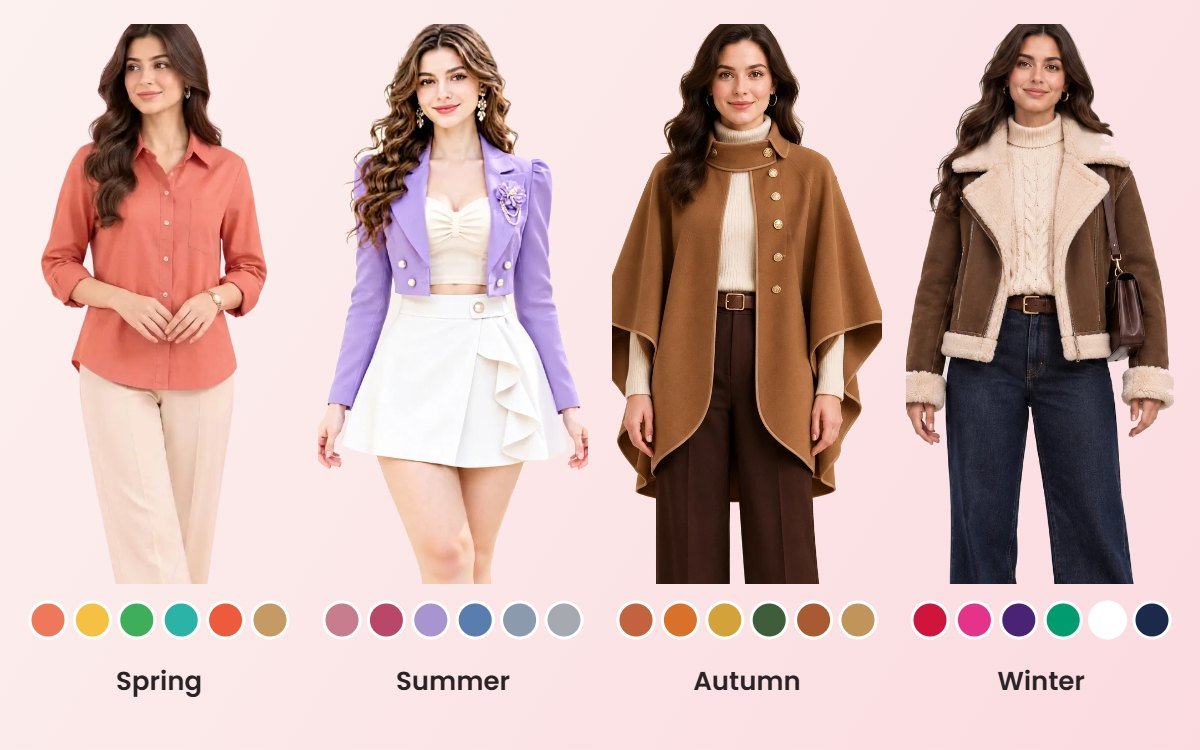
If the match is your color season, those pieces will flatter you. If not, keep them away from your face.
Questions
Color Palette from Image FAQ
How do I get a color palette from an image?
Upload or paste the image above, or take a selfie. The tool reads the photo in your browser and shows its main colors with HEX and RGB codes. Drag a box to read only part of the picture.
How do I get the HEX code of a color in a picture?
Tap the exact spot in your photo. The picked color appears with its HEX code, RGB value and name, and the Copy button puts the HEX code on your clipboard.
Is my photo uploaded or saved?
No. The image is processed on your own device and is never sent to a server or stored.
Can I find my color season from a selfie?
The season match shows which seasonal palette the colors in your photo are closest to. For your personal season, answer the 5 questions on the Color Analysis page.
Why do the colors look different from my screen?
Lighting, camera filters and screen settings all shift color. Photos taken in daylight without filters give the most accurate palette.